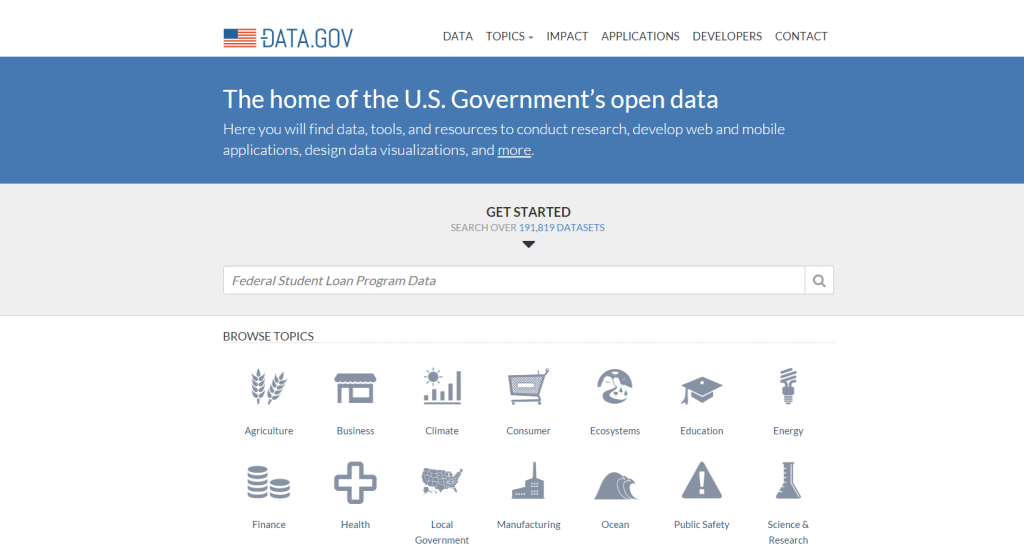
 The U.S. government has long been an active gatherer and disseminator of information. In recent years, with the roll out of the data.gov website, it has made strides to make this data more accessible and useable by the public, researchers, app developers, and businesses. The site serves as a gateway to publicly available datasets from not only the federal government, but also state and local governments as well as universities. These data cover a wide range of subject matter including: education, employment, agriculture, and public safety. According to the site, the number of datasets available currently stands at over 192,000. The site also provides examples of businesses and organizations that rely on the data to power their sites/applications.
As some reviewers have pointed out, data.gov is not without its limits. For example, the currency of the data provided varies; in some cases, more recent data can be found on an agency’s own website. In addition, the file formats provided vary quite a bit, from HTML to XML, CSV, and others. The scope and depth of participation by federal agencies with the data.gov initiative vary as well; details can be found here.
To search the available datasets from the main page, enter a keyword(s) in the main search box. Or, to browse available datasets, select a topic from the “Browse Topics” icons. Then select the “Data” or “Data Catalog” tab to view the available datasets. These sets can then be narrowed using the filters on the left side of the screen. Results can be filtered based on the file format, the agency supplying the data, and other attributes.
 Explorer’s Legacy: James Van Allen and the Discovery of the Radiation Belts February 1 – April 8 After months of being closed for renovations the new state of the art […]
 By Timothy Shipe, Curator of the International Dada Archive Friday, February 5 marks the 100th anniversary of Dada, the avant-garde literary and artistic movement that started in the neutral city […]
 Good news! EndNote X7 for the Mac now works with Microsoft Word 2016. When you open the desktop version of EndNote, it should tell you that that there is an update available, but you can also select Check for Updates in the EndNote X7 dropdown menu. EndNote Basic (the online only version) will also prompt you to install the new Cite While You Write plug-in for Word. Whether you are using the desktop or online version, you also need to have the latest version of Word 2016 (currently version 15.18) installed.

![By Centre for Health Communication and Participation La Trobe University, Australasian Cochrane Centre [CC BY-SA 3.0 (http://creativecommons.org/licenses/by-sa/3.0)], via Wikimedia Commons](http://blog.lib.uiowa.edu/hardin/files/2015/07/Systematic_reviews_-_what_authors_do-202x300.png)

 2 Minute Medicine is now available from Hardin Library for the Health Sciences. Go to
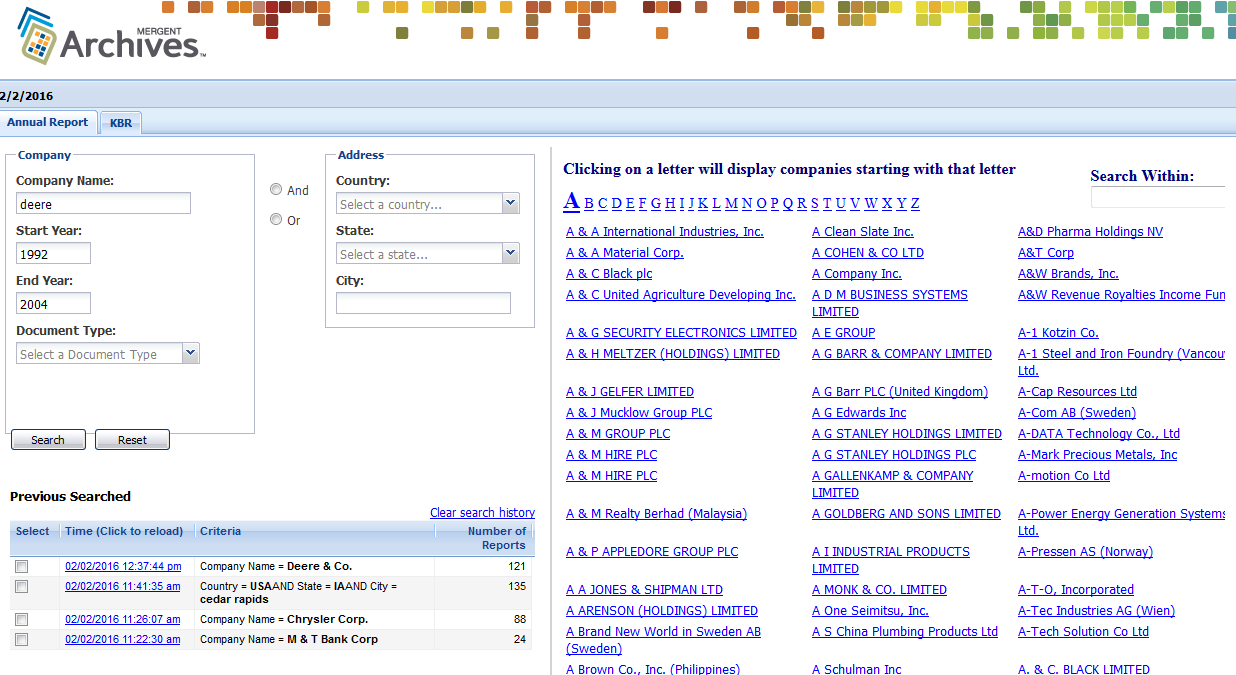
 Upcoming Events: Iowa Bibliophiles Wednesday, February 10th at 7PM in the Special Collections Reading Room. Heather Wacha will be talking about a single Medieval manuscript leaf from Special Collections, Msc […]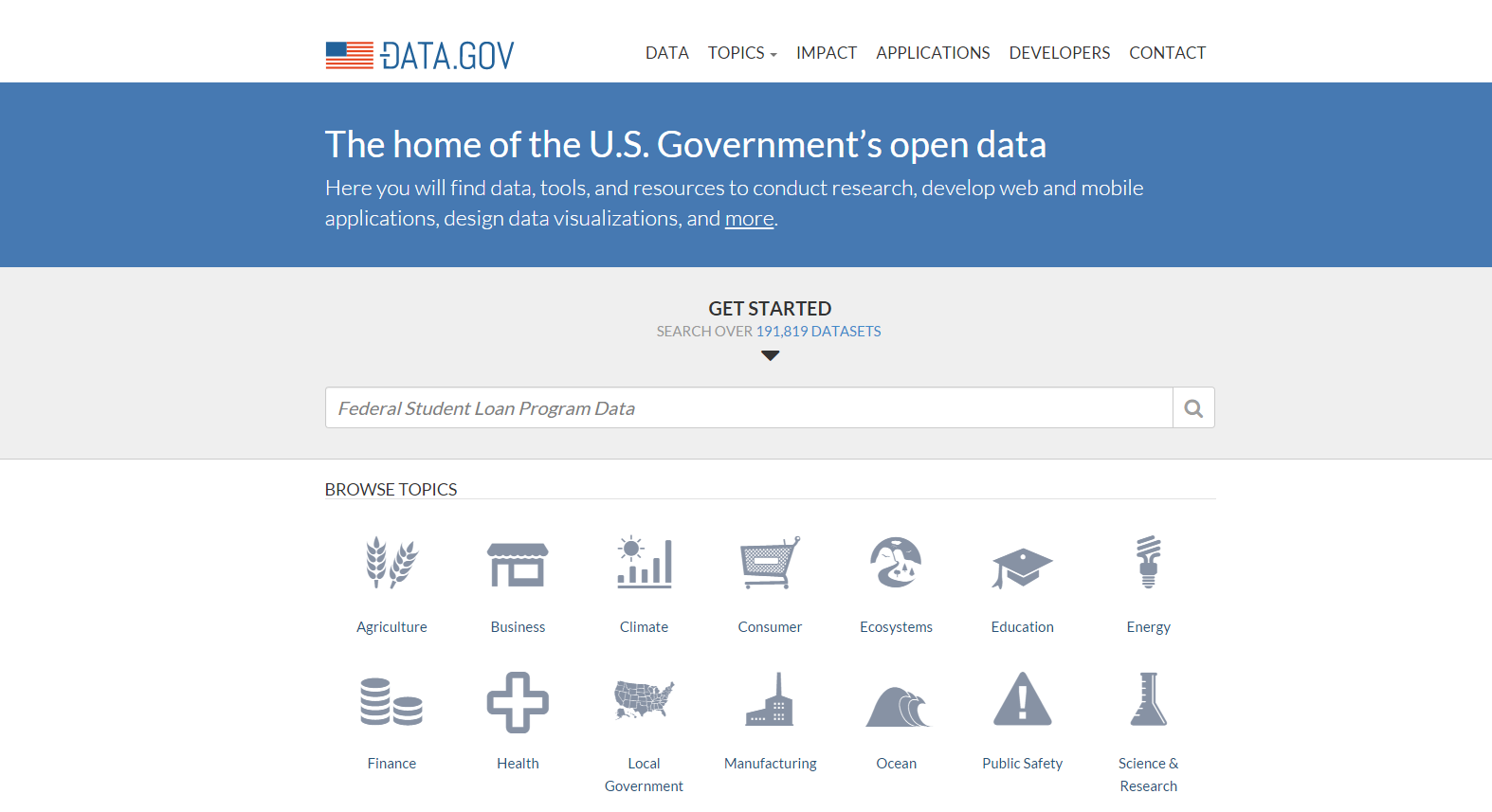

 The Publication Manual of the American Psychological Association (6th edition) provides guidelines for formatting papers/manuscripts followed by nursing and most allied health sciences disciplines.